
Samsung ROOT A260F U3 8.1.0 Frp Off Oem Off File

In the initiative cut your phone by holding the facility key for a cpuple of seconds. Then press and hold together Volume Down + Bixby + Power button a few seconds.
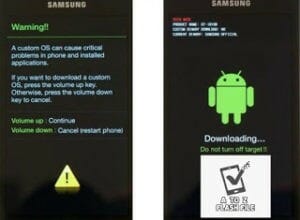
After that, you ought to see a menu with two options. Finally, enter Download Mode by pressing Volume Up
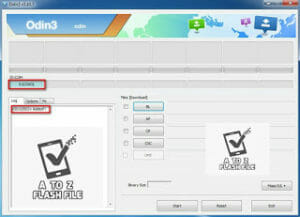
Your device should be automatically recognized by Odin. At the lower-left of the Odin interface, it should show a message that says “Included! “Added!” and within the meantime, you ought to see a light-blue box at the ID: COM section stating “COM:3” (the number depend upon which USB port you’ve got plugged the device cable and is irrelevant).
Whether it’s “AP” depends on the version of Odin that you simply used. But the md5 file goes to either “AP”.
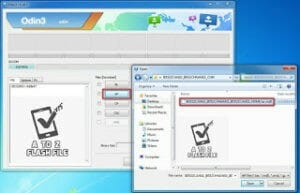
Add *.md5 to Odin.
adding the file, click “Start” the flashing process.

Click “Start” to flash
DO NOT REMOVE OR operate YOUR DEVICE UNTIL FINISHED OR FAILED IS SHOWED ON ODIN.
Ongoing flashing process. don’t remove your device.
| Samsung ROOT A260F U3 8.1.0 |
| ROOT_A260F_U3_8.1.0 |
| Download Link: Link |





0 Comentários